
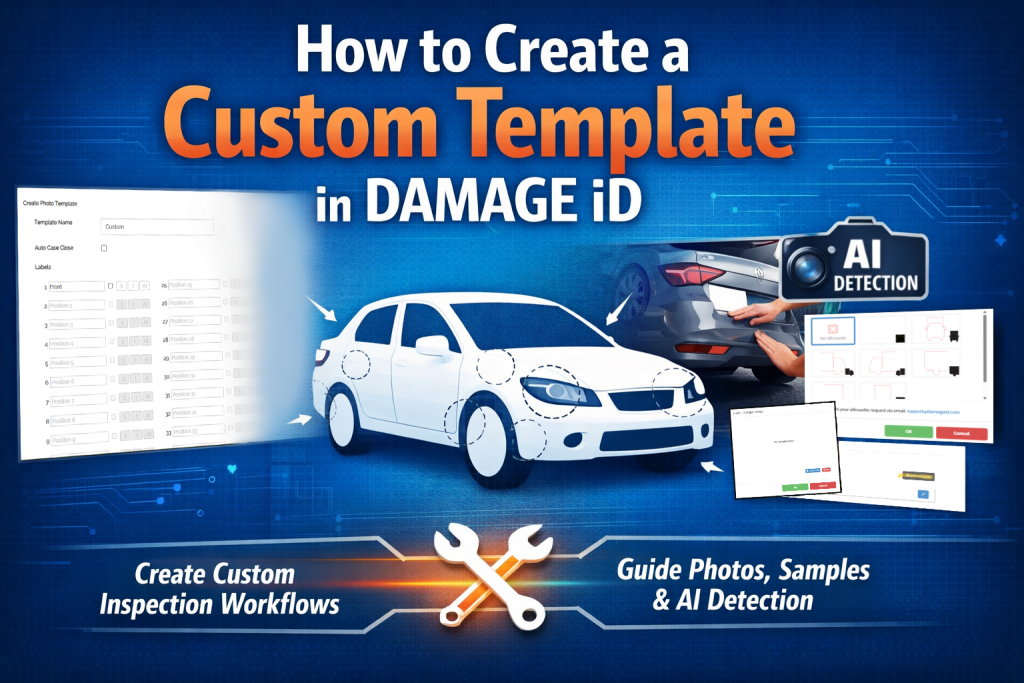
Creating a custom template in DAMAGE iD is a simple, guided process that anyone can follow. Whether you want a fully personalized workflow or prefer to use the standard template that comes ready to go, the platform makes it easy to set up inspections that fit your needs.
Getting Started

Log in to the DAMAGE iD website and click Login in the top right corner.

Once you are in your dashboard, select Settings from the top navigation bar.
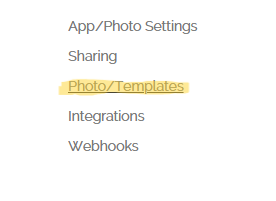
On the left side of the Settings menu, choose Photo/Templates. This is where all template creation and editing takes place.
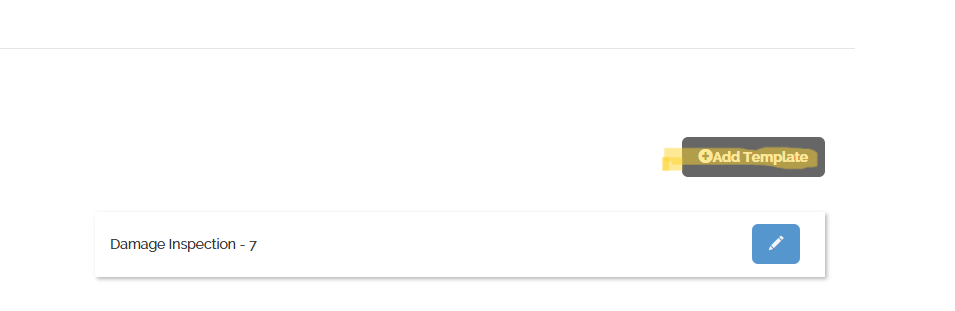
Click Add Template to begin building your own.
Naming Your Template and Setting Requirements
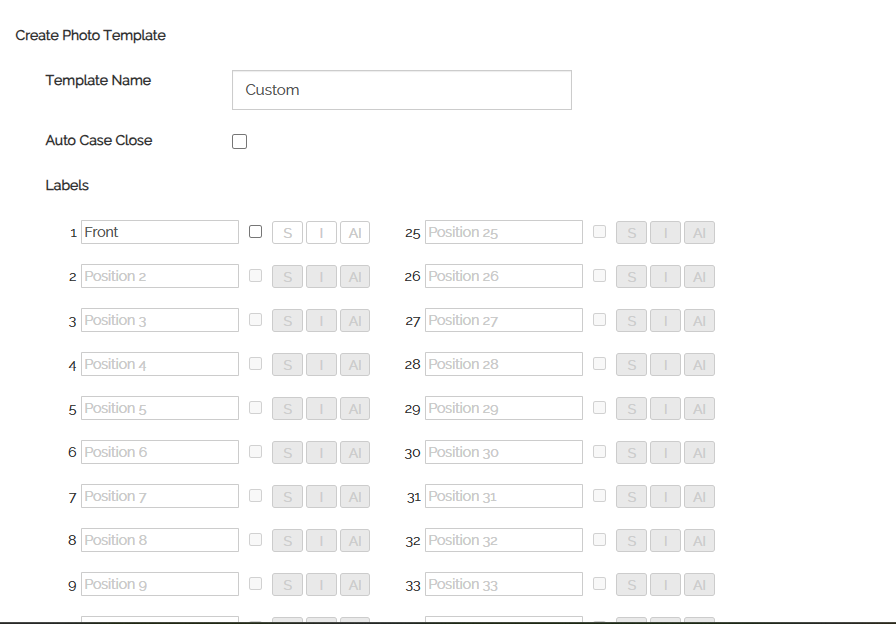
You will see the template creation screen. Start by entering a name for your template. You can also check the box for Auto Case Close if you want the case to close automatically once all required photos are completed.
Each line represents a photo position. Replace the default text with the name of the photo you want taken. Check the box next to any photo that must be required.
Adding Silhouettes
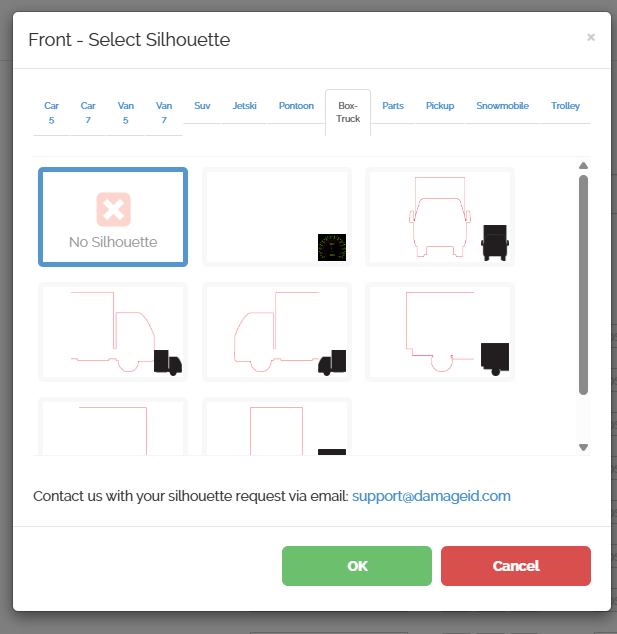
If you want to guide your drivers visually, click S next to a photo position. This opens a page where you can choose from many silhouettes, including cars, vans, SUVs, pickups, box trucks, and more. You can also choose no silhouette or contact DAMAGE iD if you need a custom one.
Adding Sample Images
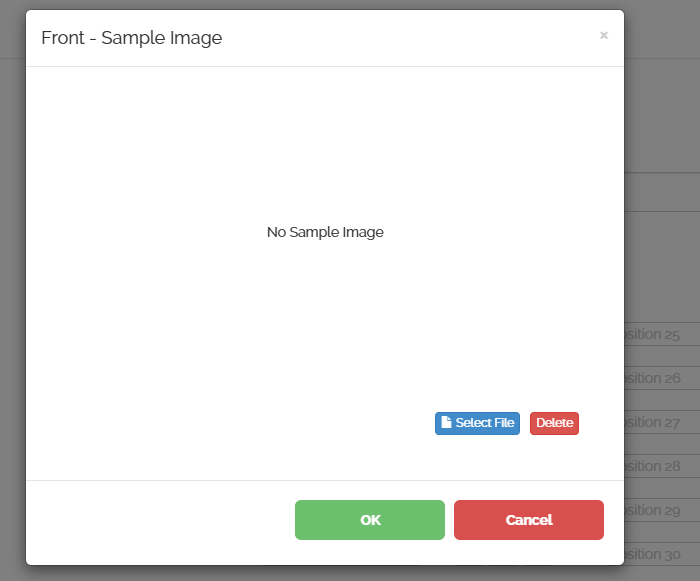
Click I to upload a sample image that shows exactly how the photo should look. Select a file from your device, preview it, and save it. This helps ensure consistent photo angles and quality.
Enabling AI Detection

If you want DAMAGE iD to automatically detect damage in certain photos, click AI next to the positions where you want this feature active. You can turn AI on for as many or as few positions as you like.
Finalizing Your Template
Repeat these steps for each photo you want included. When you are finished, scroll to the bottom and click Create. Your new template is now ready to use.
If you prefer not to build a custom template, DAMAGE iD also offers a standard template that works well for most fleets and can be used immediately.